
If you sit for long hours — whether at a desk, in your car, or on the couch — your lower back is probably paying the price. Over time, prolonged sitting places constant pressure on the lumbar spine, tightens your hip flexors and hamstrings, and weakens the core muscles that support your posture. This combination can lead to stiffness, aching, and even sharp pain that makes it harder to focus at work, relax at home, or enjoy everyday activities without discomfort. Using the right lumbar support can dramatically reduce strain, improve posture, and help you feel more comfortable throughout the day.
This guide breaks down what lumbar support actually does, who needs it, and how to choose the right one for your setup. For more ways to improve, see our ergonomic and sleep support resources.
What Is Lumbar Support (And Why It Matters)?
Your lumbar spine is the natural inward curve in your lower back. When you sit without support, that curve flattens, increasing pressure on your spinal discs and surrounding muscles.
Proper lumbar support:
- Maintains your natural spine curve
- Reduces lower back strain
- Improves posture
- Decreases hip pressure
- Helps prevent long-term discomfort
If you’ve ever felt stiff, sore, or achy after sitting too long, poor lumbar support is often the culprit.
Signs You Need Better Lumbar Support
You may benefit from lumbar support if:
- Feeling lower back pain after sitting
- You slouch without realizing it
- Shifting positions constantly to get comfortable
- Experiencing hip tightness
- You work at a desk 6+ hours per day
Even mild discomfort can become chronic if your sitting posture isn’t supported properly.
Types of Lumbar Support
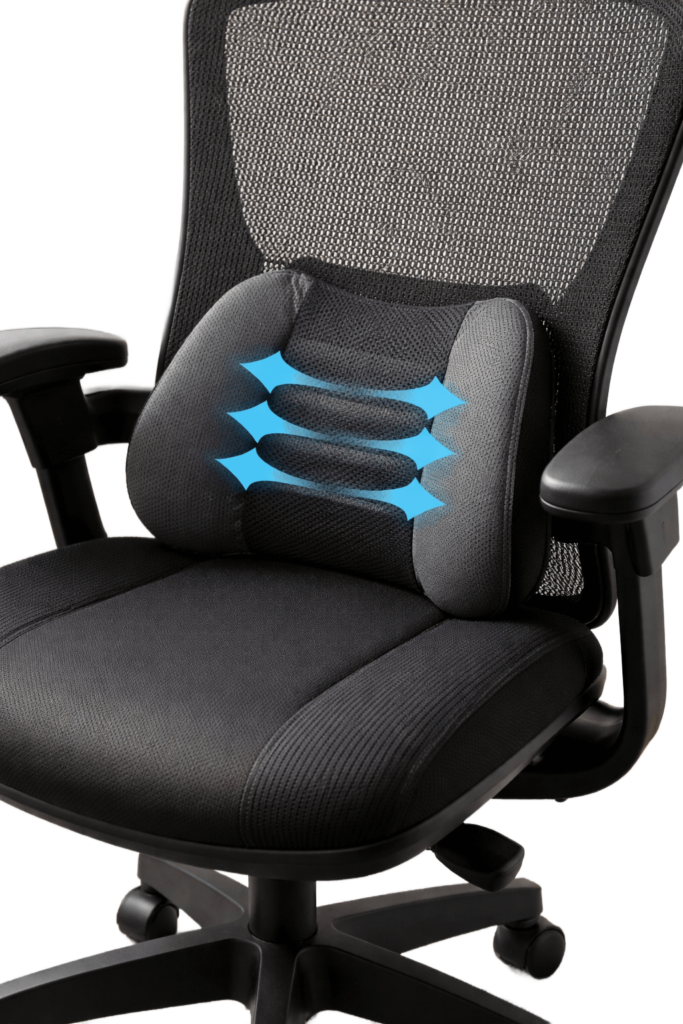
1️⃣ Lumbar Support Cushions
Best for office chairs, dining chairs, or car seats.
These memory foam cushions strap onto your chair and fill the gap between your lower back and the seat.
Great for:
- Home office setups
- Office workers
- Drivers
- Temporary ergonomic upgrades
2️⃣ Ergonomic Office Chairs
High-quality ergonomic chairs include built-in adjustable lumbar support.
Look for:
- Adjustable height
- Adjustable depth
- Firm but comfortable support
- Breathable material
This is ideal if you sit full-time and want a long-term solution.
3️⃣ Car Lumbar Cushion
If you commute often, your car seat may not properly support your lower spine. A compact lumbar cushion can reduce driving-related back pain and improve comfort on long trips.
How to Choose the Right Lumbar Cushion
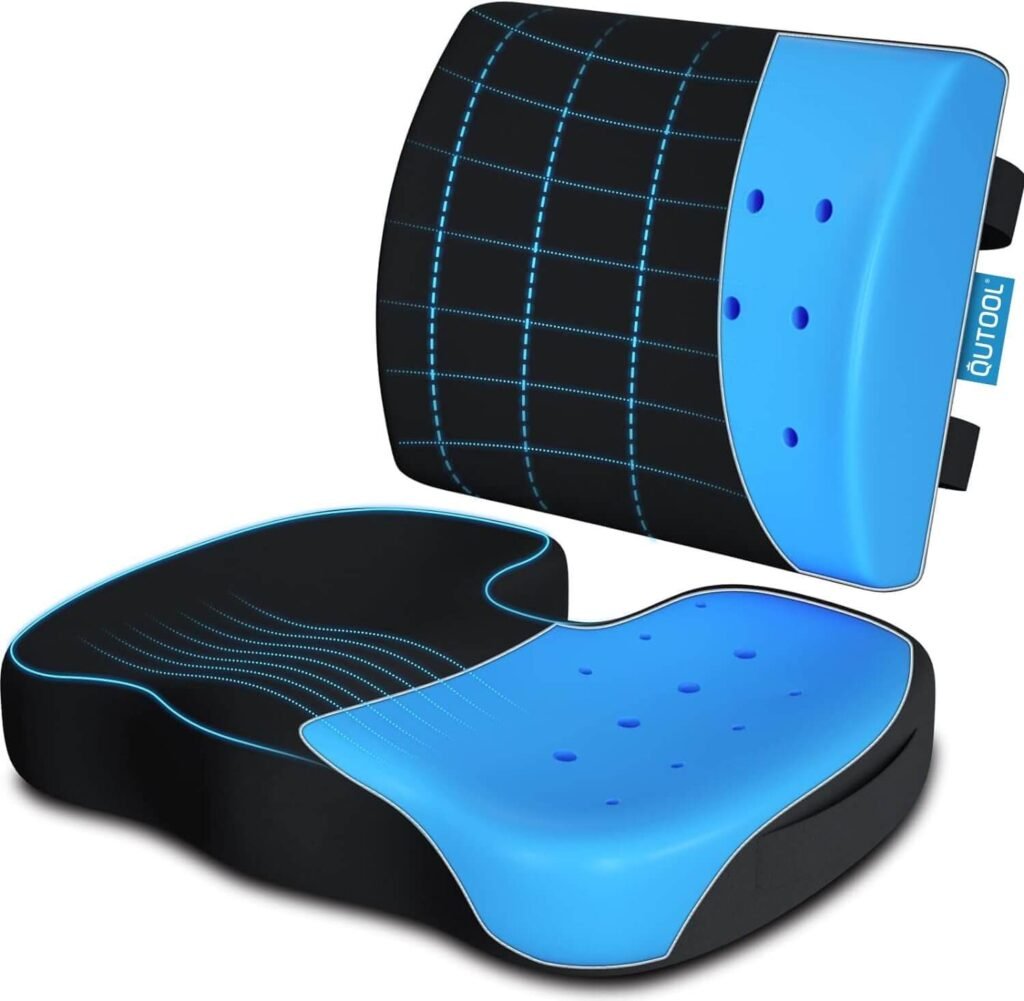
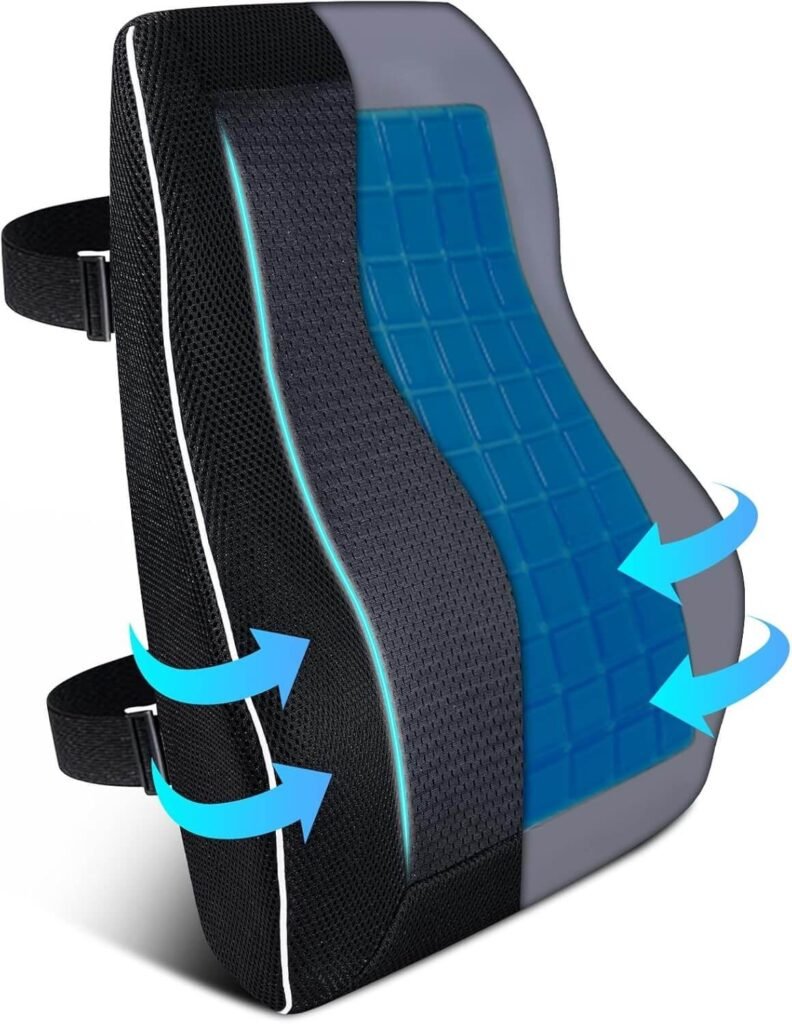
Here’s what actually matters (and what most people tend to overlook) when choosing lumbar support:
- How well it maintains your natural lower back curve instead of simply adding bulk behind you.
- The quality and density of the foam so that it doesn’t flatten out after a few weeks of use
- Whether it can be adjusted up or down to match your unique spine shape and height.
- The overall size and thickness should fill the space between your back and the chair without pushing you too far forward.
- The breathability of the cover material affects heat buildup and all‑day comfort.
- It attaches securely to your chair or car seat, so it doesn’t slide out of place every time you move.
- Whether it works with your existing chair setup, instead of forcing you into an awkward position.
Focusing on these details helps you choose lumbar support that genuinely improves posture and reduces lower back pain, rather than just looking ergonomic on the surface.
How to Use a Lumbar Cushion Correctly
Even the best cushion won’t help if your overall setup is off. Your chair height, desk position, screen level, and the way you sit all work together. If your monitor is too low, your feet don’t reach the floor, or your hips are tilted backward, your spine will still be under strain, no matter how good the cushion is. To get real relief, you need a supportive cushion plus a properly adjusted chair, neutral hip and knee angles, and a screen positioned at eye level so your neck and shoulders can relax. Follow this posture checklist:
- Feet flat on the floor (or on a foot rest)
- Knees at a 90-degree angle
- Hips slightly higher than knees
- Shoulders relaxed
- Screen at eye level
Lumbar support works best when combined with a proper ergonomic desk setup.
Common Mistakes to Avoid
- Leaning too far back in your chair
- Placing the lumbar support too low
- Crossing your legs for long periods
- Sitting without moving for hours
Remember: movement matters. Even with perfect lumbar support, stand and stretch every 30–60 minutes.
Does Lumbar Support Really Work?
Yes — when used correctly.
Lumbar support reduces spinal compression and muscle fatigue. While it’s not a “cure” for medical conditions, it significantly improves comfort and posture for most people who sit for extended periods. If your back pain is posture-related, lumbar support is one of the simplest upgrades you can make.
See our top recommendations.
Final Thoughts: Is Lumbar Support Worth It?
If you sit at work daily, the answer is almost always yes.
A small ergonomic adjustment can prevent long-term discomfort, improve posture, and make your workspace feel significantly more comfortable. Think of a lumbar support as prevention — not just pain relief.
Affiliate Disclosure: This post contains affiliate links. If you choose to purchase through them, I may earn a small commission at no additional cost to you. I only recommend products I have personally reviewed and genuinely believe will provide value.